What To Do If You Click On A Phishing Link: Complete Recovery Guide
By Steven Burton – Trusted Private Investigator
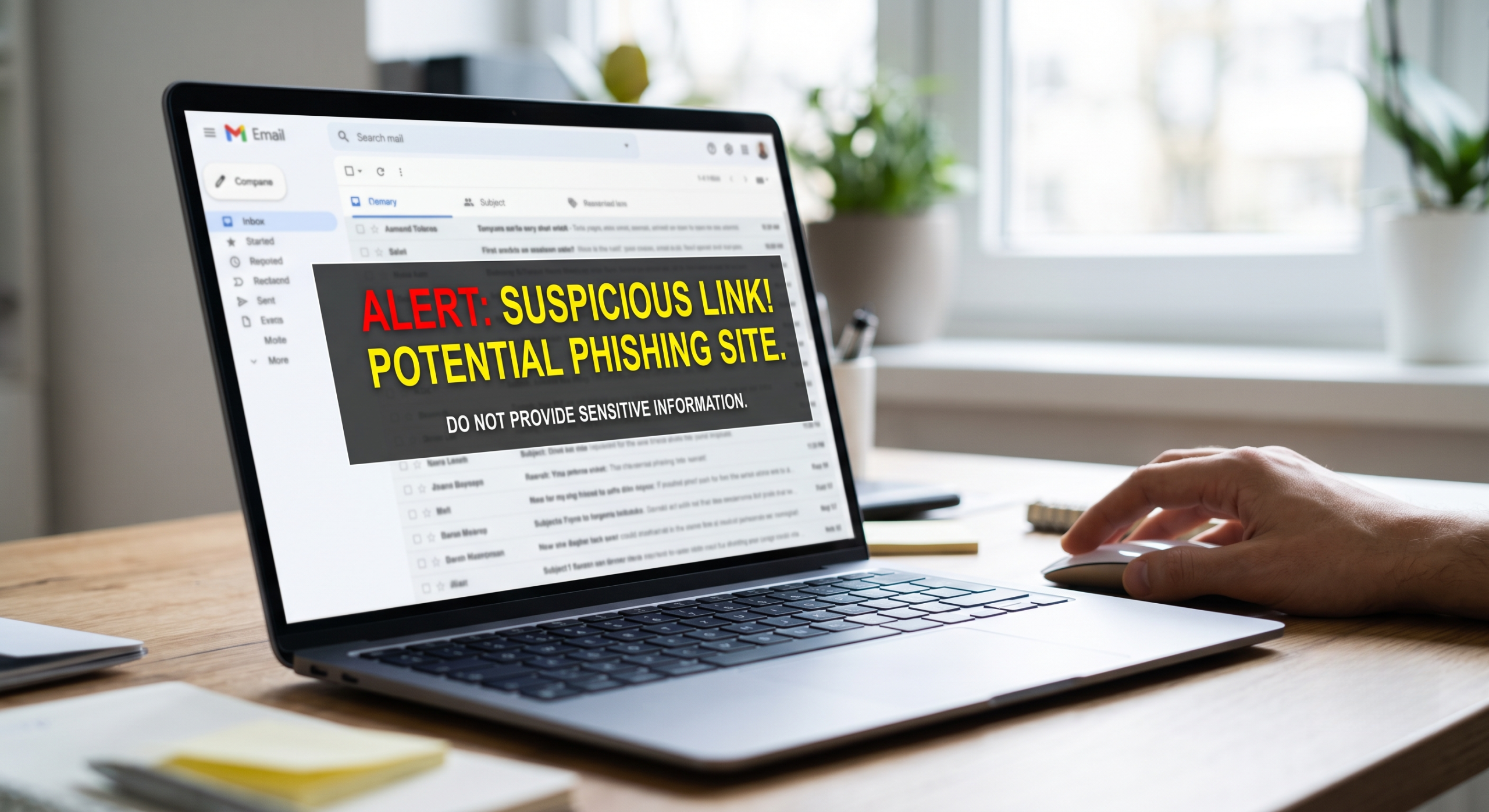
Clicked a phishing link? Don’t panic. Learn exactly what to do immediately to secure your accounts, remove malware, protect crypto wallets, and recover safely. A single click is sometimes all it takes to expose your personal identification, online banking, social media accounts, or cryptocurrency assets to cybercriminals. Modern phishing attacks are engineered around urgency, deception, and familiarity. A fraudulent message may appear to come from your primary bank, a cryptocurrency exchange, a trusted colleague, or a routine delivery service.
Most victims only realize something is wrong after the link has been clicked.
You might notice the URL looks slightly misspelled, the login portal feels off-brand, or the page makes an unexpected request for your credentials. In other cases, the page appears entirely normal until unauthorized account activity surfaces days or weeks later.
If you clicked on a phishing link, the most important rule is do not panic. A click alone does not automatically mean your device or accounts have been breached. Your actual risk level depends entirely on what happened next:
-
Did you enter your username or password?
-
Did you download or open a file?
-
Did you connect a Web3 cryptocurrency wallet?
-
Did you approve a smart contract transaction?
-
Did you submit sensitive personal identification?
This guide outlines the exact emergency protocol to follow after clicking a suspicious link, how to triage your risk, and how to protect your digital identity and financial assets from further compromise.
The 30-Second Triage: What Should You Do Immediately?
If you just clicked a suspicious link and need immediate answers, follow these rapid-response steps to contain the threat:
-
Disconnect from the internet. Turn off Wi-Fi, unplug your Ethernet cable, or enable Airplane Mode immediately to block background data transfers and malware communication.
-
Close the browser tab. Do not click additional buttons, close pop-ups X-buttons (use keyboard shortcuts like
Ctrl+WorCmd+Wto close the tab directly), and never attempt to “log out” through the suspicious page. -
Do not enter credentials. If you haven’t typed anything yet, your risk remains relatively low.
-
Scan for malware. Run a full system scan using reputable, updated endpoint protection or antivirus software.
-
Reset compromised passwords. Using a different, clean device, immediately change the password for any account associated with the phishing attempt.
Phishing Risk Assessment Matrix
Not all clicks carry the same level of danger. Use this table to determine your immediate risk and necessary first response based on your actions:
| What Happened After Clicking | Risk Level | Immediate First Step |
| Closed page without interaction | Low | Clear browser cache and run a quick antivirus scan. |
| Entered username and password | High | Change passwords from a clean device; terminate active sessions. |
| Downloaded or opened a file | High | Disconnect internet immediately; run a deep anti-malware scan. |
| Connected a crypto wallet / signed transaction | Critical | Revoke smart contract permissions; move remaining assets to a clean wallet. |
| Submitted financial or identity documents | Critical | Place a freeze on your credit; notify your banking institutions immediately. |
What Happens When You Click A Phishing Link?
A phishing link is a malicious URL created to trick victims into performing an action that benefits a cybercriminal. Attackers use social engineering to bypass technical security by targeting human psychology.
The primary objective is usually to harvest:
-
Login credentials (email, cloud storage, work portals)
-
Financial data (credit cards, bank routing numbers)
-
Personal Identification Information (PII) (Social Security numbers, government IDs)
-
Cryptocurrency access (private keys, seed phrases, token approvals)
Attackers often clone the exact front-end code of legitimate platforms, creating spoofed websites that are visually identical to the services you trust. They rely on high-pressure triggers such as “Your account will be suspended in 24 hours,” “Unauthorized login detected,” or “Claim your pending airdrop now” to force you into acting before critical thinking kicks in.
Step-by-Step Emergency Protocol
The first 15 minutes following a phishing incident dictate how much damage an attacker can inflict. Take these concrete steps to secure your environment.
1. Isolate the Affected Device
If you downloaded a file or suspect an invisible background installation (a drive-by download), sever the device’s internet connection immediately. This prevents keyloggers, spyware, or info-stealing malware from transmitting your saved passwords or session cookies back to the attacker’s command-and-control server.
2. Perform a Deep-System Security Scan
Do not rely solely on real-time protection if a file was executed. Open your security software and manually trigger a Full System Scan or Offline/Boot-Time Scan.
-
Check your recent downloads folder and delete unrecognized installers (.exe, .dmg, .scr, .iso, or .zip files).
-
Review your web browser extensions and remove any newly added or unfamiliar add-ons, as attackers frequently use malicious extensions to hijack browsing sessions.
3. Rotate Compromised Credentials Immediately
If you typed a password into a phishing site, assume that password is in the hands of criminals.
-
Use a clean device: Use a secondary phone or computer that you know is secure to perform password resets. Never reset passwords on a potentially infected machine.
-
Prioritize your primary email: Your main email address is the master key to your digital identity. If attackers gain access to your inbox, they can trigger password resets for your bank, social media, and work accounts.
-
Stop password reuse: Update every single account where you used the compromised password, ensuring each service receives a unique, randomly generated credential.
4. Implement Strong Multi-Factor Authentication (MFA)
Enable MFA across all critical accounts. Even if an attacker possesses your username and password, MFA creates a secondary barrier they cannot easily bypass.
-
Best protection: Hardware security keys (e.g., YubiKey) or time-based one-time password (TOTP) authenticator apps (e.g., Google Authenticator, Bitwarden, Authy).
-
Minimum protection: SMS text message verification. While better than nothing, SMS is vulnerable to SIM-swapping attacks and should be upgraded where possible.
Scenario-Specific Recovery Tactics

Scenario A: You Entered Your Login Information
If your credentials were exposed, go directly to the legitimate website (by typing the official domain into your browser or using an official mobile app) and take these steps:
-
Force logout: Look for account settings labeled “Sign out of all devices” or “Terminate active sessions” to kick the attacker out immediately.
-
Review email forwarding: In your email settings, check for unauthorized forwarding rules. Attackers often set up hidden rules to silently forward your incoming banking alerts or password resets to their own email addresses.
-
Check connected apps: Remove OAuth permissions or third-party app integrations that you do not recognize.
Scenario B: You Downloaded a Malicious File
Downloading a payload introduces severe risks, including Remote Access Trojans (RATs), info-stealers, and ransomware.
-
Cease sensitive activity: Do not log into bank accounts, cryptocurrency exchanges, or corporate VPNs from the affected device until a qualified technician or deep forensic scan confirms it is clean.
-
Consider a factory reset: For high-risk compromises, backing up personal documents (excluding programs or executable files) and performing a complete operating system reinstall is the most guaranteed way to eradicate persistent malware.
Scenario C: A Crypto Phishing Link Targeted Your Wallet
Blockchain transactions are immutable and generally irreversible, making cryptocurrency phishing exceptionally destructive.
-
If you entered your 12/24-word seed phrase or private key: Your wallet is permanently compromised. Create a brand-new wallet immediately on a clean device. Transfer any remaining tokens, NFTs, or native assets to the new address immediately, and abandon the old wallet forever.
-
If you signed a malicious transaction or connected your wallet: You may have granted an attacker unlimited spending approvals (token allowances). Use trusted revocation tools (such as Revoke.cash or Etherscan’s token approval checker) to instantly revoke active allowances and disconnect site permissions.
How to Investigate and Preserve Digital Evidence
While containment is your primary goal, preserving evidence is critical if you need to file a law enforcement report, submit an insurance claim, or hire a forensic investigator. Do not delete everything before documenting the attack.
-
Capture screenshots: Save images of the phishing message, the spoofed URL, and any unexpected pop-ups.
-
Preserve email headers: If the attack arrived via email, export the full raw email headers (often found under “Show original” or “View source”), which reveal the true routing IPs and sender domains.
-
Log blockchain data: For crypto thefts, record the exact transaction hashes (TXIDs), destination wallet addresses, and timestamps.
-
Document system logs: Keep a chronological record of when you clicked the link, what information was entered, and when you initiated password resets.
4 Dangerous Mistakes to Avoid After an Attack
In the aftermath of a phishing incident, anxiety can lead to costly missteps. Avoid these common traps:
-
Assuming a closed tab equals safety: Simply closing the browser does not mitigate the risk if you already typed in your password or executed a background download. Follow through with security checks.
-
Falling for “Recovery Room” scams: If you lost money or cryptocurrency, you will likely be targeted by secondary scammers claiming to be “ethical hackers” or “asset recovery specialists” who guarantee they can retrieve your stolen funds for an upfront fee. No one can magically reverse a confirmed blockchain transaction. Only work with verified, legitimate forensic professionals.
-
Using the compromised device for recovery: Never use a potentially malware-infected computer to change your passwords or access your cryptocurrency backup codes.
-
Sharing sensitive data during an investigation: Legitimate security analysts and investigators will never ask for your private keys, seed phrases, or plain-text passwords to conduct an investigation.
How to Prevent Future Phishing Attacks
The most effective remediation strategy is preventing the breach before it occurs. Integrate these proactive security habits into your routine:
-
Adopt a zero-trust mindset for links: Hover over hyperlinks to preview the actual destination URL before clicking. Watch out for lookalike domains using character substitution (e.g., swapping the letter
lfor the number1, or.coinstead of.com). -
Use a dedicated password manager: Password managers not only generate complex, unique passwords, but they also act as an anti-phishing filter. A password manager will refuse to auto-fill your credentials on a fake website because the domain name will not match the official entry in your vault.
-
Bookmark critical portals: Never use search engine ad results to navigate to your bank, crypto exchange, or email provider. Bookmark the official domains or use dedicated mobile applications.
-
Stay updated on modern scam tactics: Phishing has evolved beyond poorly worded emails. Watch for AI-generated voice cloning, SMS phishing (Smishing), malicious QR codes (Quishing), and calendar-invite phishing.
When Should You Seek Professional Forensic Help?
While standard password resets and antivirus scans are sufficient for basic link-clicks, professional intervention is necessary when dealing with sophisticated attacks. You should consult a digital investigation professional if:
-
You have suffered substantial financial or cryptocurrency losses.
-
Corporate, organizational, or proprietary client data was exposed.
-
Persistent malware survives basic antivirus remediation attempts.
-
You require formal digital forensics and chain-of-custody documentation for legal proceedings or law enforcement reporting.
A qualified forensic investigator can analyze system memory, trace blockchain asset flows, identify the point of entry, and provide actionable remediation pathways to secure your digital infrastructure.
For individuals and organizations navigating complex cryptocurrency theft, unauthorized access, or digital fraud, specialized firms such as Cyberspac3 provide deep digital forensic investigations and blockchain tracing services designed to analyze complex cyber incidents and guide victims through the recovery process.
acting quickly is your greatest advantage. By instantly isolating the threat, rotating your credentials, and understanding the precise nature of the compromise, you can neutralize an attacker’s advantage and protect your digital life from further harm.